 Klevo
Edit any PDF with just a prompt.
No PDF skills needed. Open a PDF, type the change you want, and Klevo’s AI makes the edit. Describe a resume, invoice or contract and get a finished PDF. Then send it for signature or edit it together.
Free to download · first AI edit free · iPhone, iPad, Android and web
Start with a sentence, a template or a file
Whatever you begin with, you finish the same way: say what should change, check it, and download, share or send it for signature.
-
Describe it
Klevo writes and lays out the whole document from your description. Then keep refining in plain words. Prompt ideas
A one-page NDA between Studio Nine and Acme Ltd, governed by English law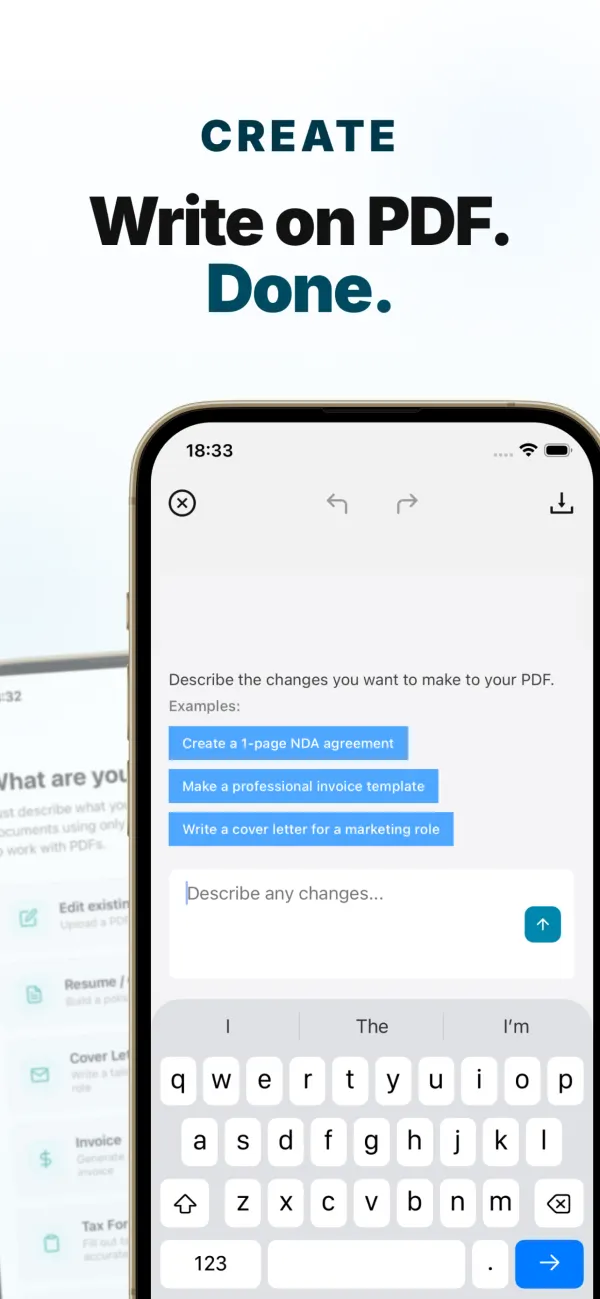
-
Pick a template
100+ templates for resumes, cover letters, invoices, contracts, letters, academic papers and tax forms. Ask the AI to fill one in with your details. Browse categories
Fill this with my details and move education above experience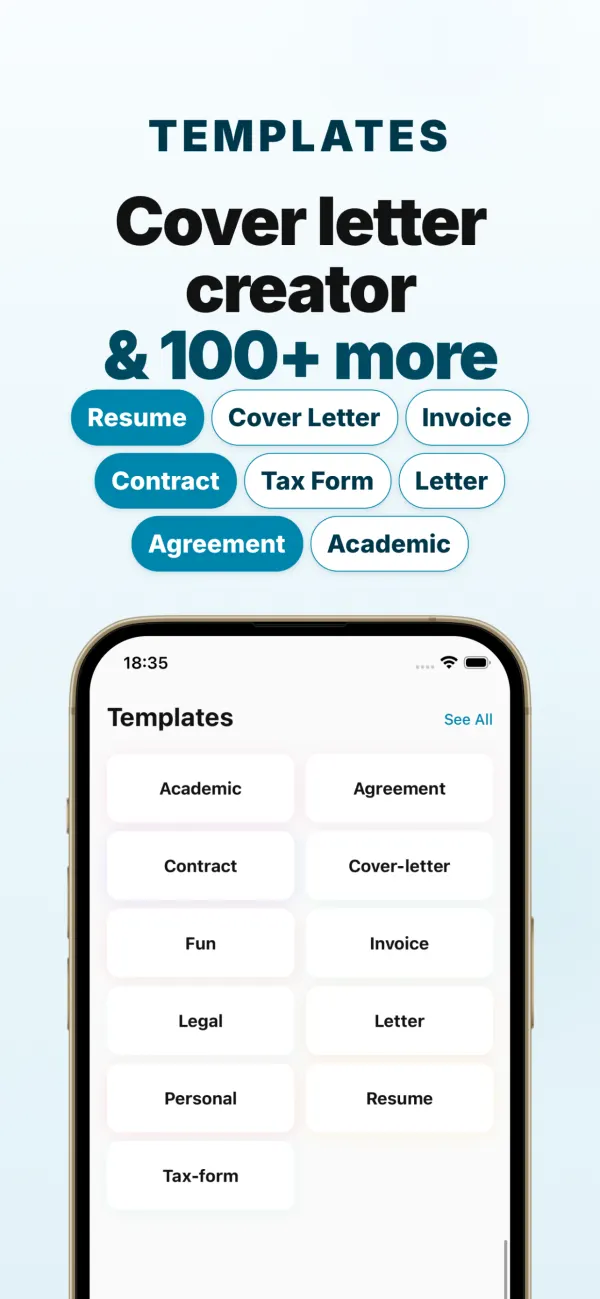
-
Bring a file
Open any PDF and edit it by typing, with undo and redo. Or turn photos and Markdown text into a PDF. How text edits work
Replace “Net 15” with “Net 30” everywhere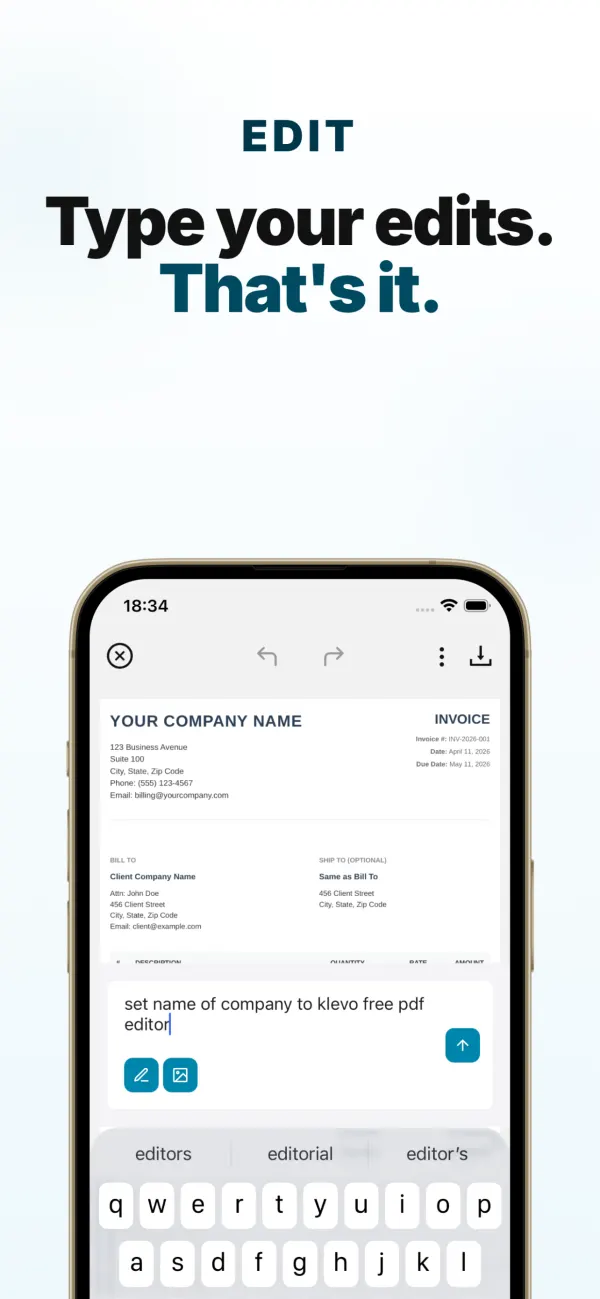
Send it for signature. They sign in a browser.
The people signing don’t need the app or an account. They open your link on any phone or computer, sign, and you get the signed copy.
- Share one linkChoose Request signatures in Klevo. Add more than one signer if you need to.
- They sign at klevo.infoThe link opens the document in the browser. Signers enter their name, draw or type a signature and agree to sign electronically, or decline with a reason.
- A certificate is attachedKlevo adds a signature certificate page with each signature and the signer’s name, time, IP address, device and a fingerprint of the exact document they signed. Your original pages stay as they were.
- The signed copy comes back to youIt appears in your library, and you can see who has opened, signed or declined. How to sign a PDF online
Only need someone to read it? Share a view-only link. They can view and download the PDF in any browser.
- v5Sam
add a late fee of 2% per month
- v4You
change the payment terms to Net 30
- v3Maya
fix all typos
- v2You
bill Acme Ltd, not Acme Inc
- v1You
a service agreement between Studio Nine and Acme Ltd
Edit together, and see who changed what
Invite people with an edit-together link and everyone works on the same document, not a pile of copies.
- Every version records who made it and the instruction they typed.
- When someone else edits, the new version loads in your app with a short note saying who changed it.
- Stop sharing whenever you like. Collaborators can leave a shared document at any time.
On a laptop? Use Klevo in your browser.
app.klevo.info works on the same account as your phone. In the app, open Profile, tap Use Klevo on web, then scan the QR code or type the code. Your documents are there.
Pro on the web costs less than in the app. Your free edit works in the browser too. How to edit a PDF online
And the everyday things
- Image to PDF
- Markdown to PDF
- Undo and redo every edit
- Draw your own signature
- Fill and sign forms
- Recent PDFs in one place
- Download or share anywhere
Most “AI PDF” apps summarize. Klevo edits.
| App | How you change the text |
|---|---|
| Klevo | Type the change; the AI makes the edit |
| Adobe Acrobat | Manual text tools; a paid plan on mobile |
| iPhone Files, Google Drive | Annotate and sign only; existing text can’t be changed |
Full comparison, including when another tool is a better fit
Questions
Something else? support@rrdl.io or read the guides
How do I edit a PDF without any PDF skills?
Open the PDF in Klevo and type what you want changed in everyday words, for example “fix all typos” or “change the date to today”. Klevo’s AI makes the edit for you. There are no text boxes, layers or tools to learn, and it works on iPhone, iPad, Android and in your browser.
Can I edit a PDF just by typing a prompt?
Yes. That is what Klevo is built for. Upload any PDF, type an instruction such as “update the payment terms to 30 days” or “change the client name to Acme Ltd”, and review the result in seconds. You can keep refining with more prompts, and undo or redo any change.
Is Klevo free?
Yes. Klevo is free to download, and your first AI edit is free. An optional Pro subscription includes 30 AI edits a day. In the phone app it is purchased through the App Store or Google Play. On the web at app.klevo.info, Pro costs $7.99 a month or $29.99 a year.
Which platforms does Klevo support?
Klevo is available for iPhone and iPad on the Apple App Store, for Android phones on Google Play, and in any modern browser at app.klevo.info.
How do people sign a document I send?
In Klevo, choose Request signatures and share the link. Each signer opens it in any browser, with no app or account needed, enters their name, draws or types a signature and agrees to sign electronically. Klevo appends a signature certificate page with each signer’s name, the time, IP address and device, and the signed copy appears in your library. A signer can also decline and give a reason.
Can several people edit the same PDF?
Yes. Invite people with an edit-together link. Everyone works on the same document, and the version history shows who made each change and the instruction they typed.
Can I use Klevo on a computer?
Yes. Open app.klevo.info in your browser. To use the same account as your phone, open Profile in the Klevo app, tap Use Klevo on web, then scan the QR code or type the code shown. Your documents then appear in the browser.
Is my data private?
Your documents are used only to perform the actions you request. Text you send for AI creation or editing is processed by our AI providers to generate the result. Files are kept in secure cloud storage and cleaned up automatically, and we never sell your data. You can request account deletion from the app or by emailing support@rrdl.io. Read the full Privacy Policy.
What file types does Klevo work with?
You can open and edit existing PDF files, turn photos and images from your library into a PDF, and convert Markdown text into a PDF. Everything you create or edit is exported as a PDF you can share.
How do I cancel my subscription?
App subscriptions are managed by Apple or Google. On iPhone go to Settings, tap your name, then Subscriptions and choose Klevo. On Android open Google Play, tap your profile, then Payments and subscriptions, then Subscriptions. Cancel at least 24 hours before renewal to avoid the next charge. A web subscription is managed from Profile at app.klevo.info under Manage subscription.
How do I delete my account?
Email support@rrdl.io from the address linked to your account and ask for your account and data to be deleted, or use Delete Account in the Profile screen of the app. What is deleted and what is kept is explained in the Privacy Policy under Account and data deletion.
What is the best app to edit a PDF with AI?
If you want the AI to make the edit for you, Klevo is built for that (see the comparison): open a PDF, type what to change, and the AI edits the document on iPhone, iPad, Android or the web. Apps such as Adobe Acrobat, PDF Expert and UPDF use AI mainly to summarize or chat about a PDF, while you edit the text by hand.
How is Klevo different from Adobe Acrobat?
Acrobat is a full manual PDF suite, and editing text in its mobile app requires a paid plan. Klevo is free to download and lets you edit by typing an instruction in plain language, with no editing tools to learn. Choose Acrobat for desktop-heavy professional work, and Klevo for fast edits, new documents and signatures from your phone or browser.
Your next PDF is one sentence away.
Free on iPhone, iPad and Android, or open it in your browser.